The ggaib package provides color and fill scales in four flavors:
discrete, binned, continuous, and diverging. Each is available for both
color and fill aesthetics. All use colors from
the AIB brand palette.
Discrete
scale_color_aib() and scale_fill_aib() map
categorical variables to the eight-color brand palette. Colors are
ordered for maximum visual contrast.
# Simulate data
set.seed(42)
districts <- data.frame(
  spending = c(rnorm(30, 11, 2), rnorm(30, 15, 2.5), rnorm(30, 13, 3)),
  avg_score = c(rnorm(30, 250, 15), rnorm(30, 270, 12), rnorm(30, 258, 18)),
  urbanicity = rep(c("Group A", "Group B", "Group C"), each = 30)
)

# Create example figure
ggplot(districts, aes(spending, avg_score, color = urbanicity)) +
  geom_point(size = 2) +
  scale_color_aib() +
  labs(
    title = "Discrete Color Scale",
    x = "Per-Pupil Spending ($1,000s)",
    y = "Average Score"
  ) +
  theme_aib()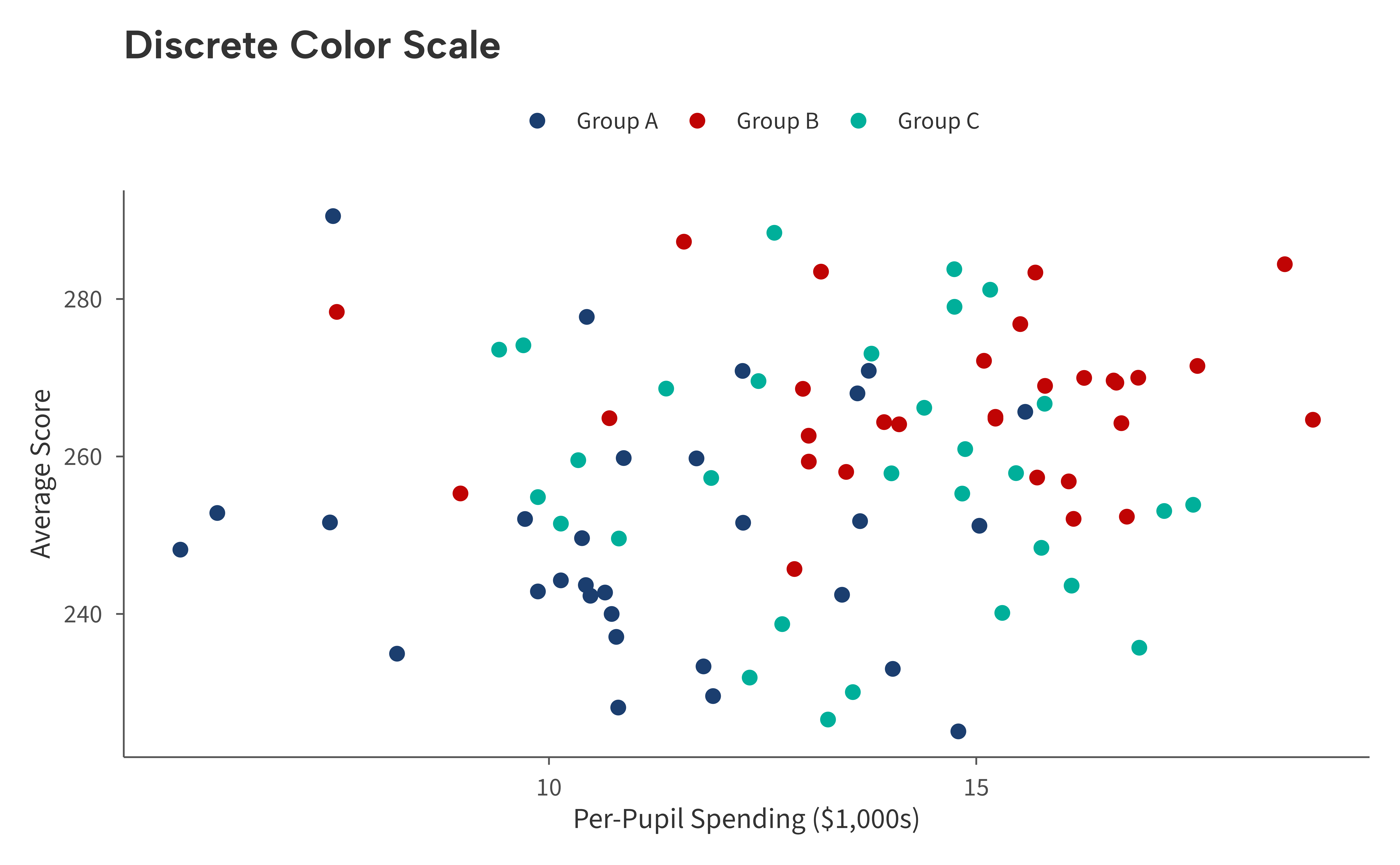
# Simulate data
enrollment <- data.frame(
  sector = c("Public", "Charter", "Magnet", "Private"),
  pct = c(0.798, 0.062, 0.042, 0.098)
)
enrollment$sector <- factor(enrollment$sector, levels = enrollment$sector)

# Create example figure
ggplot(enrollment, aes(sector, pct, fill = sector)) +
  geom_col() +
  scale_fill_aib() +
  scale_y_continuous(
    labels = aib_label("percent"),
    limits = c(0, 1)
  ) +
  labs(
    title = "Discrete Fill Scale",
    x = NULL,
    y = "Percent"
  ) +
  theme_aib() +
  theme(legend.position = "none")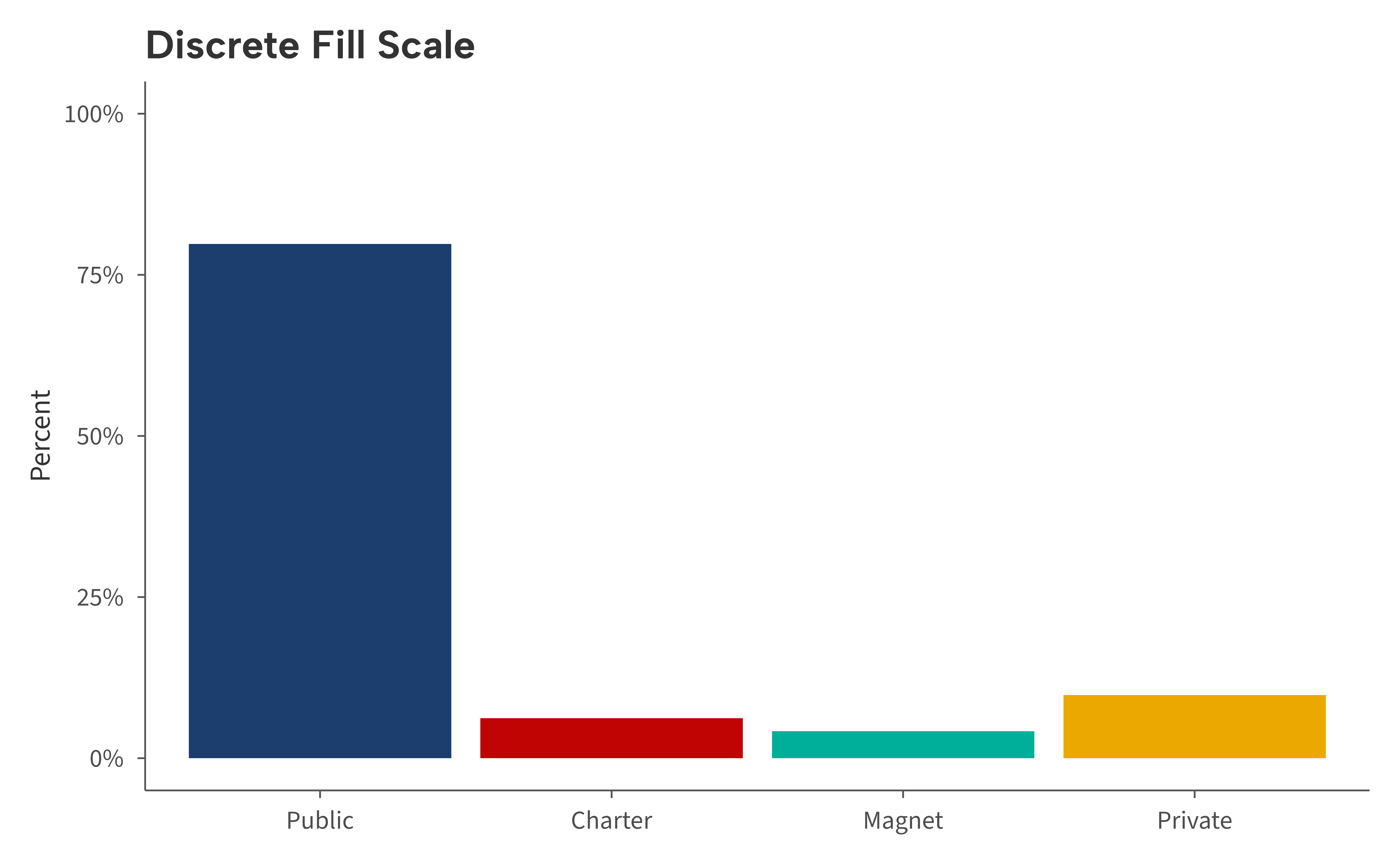
The palette contains eight colors. If your data has more than eight levels a warning is issued.
Binned (Recommended for Continuous Variables)
scale_color_aib_b() and scale_fill_aib_b()
discretize a continuous variable into bins and display a clean, discrete
legend. This is generally preferred over a smooth gradient because
binned colors are easier to read and compare across data points.
# Simulate data
set.seed(42)
schools <- data.frame(
  enrollment = runif(80, 200, 1500),
  avg_score = rnorm(80, 260, 20),
  st_ratio = runif(80, 10, 30)
)
schools$avg_score <- schools$avg_score - (schools$st_ratio - 20) * 1.5

# Make example figure
ggplot(schools, aes(enrollment, avg_score, color = st_ratio)) +
  geom_point(size = 2) +
  scale_color_aib_b() +
  scale_x_continuous(labels = aib_label("comma")) +
  labs(
    title = "Binned Color Scale",
    x = "Enrollment",
    y = "Avg. Test Score",
    color = "Student-Teacher\nRatio"
  ) +
  theme_aib()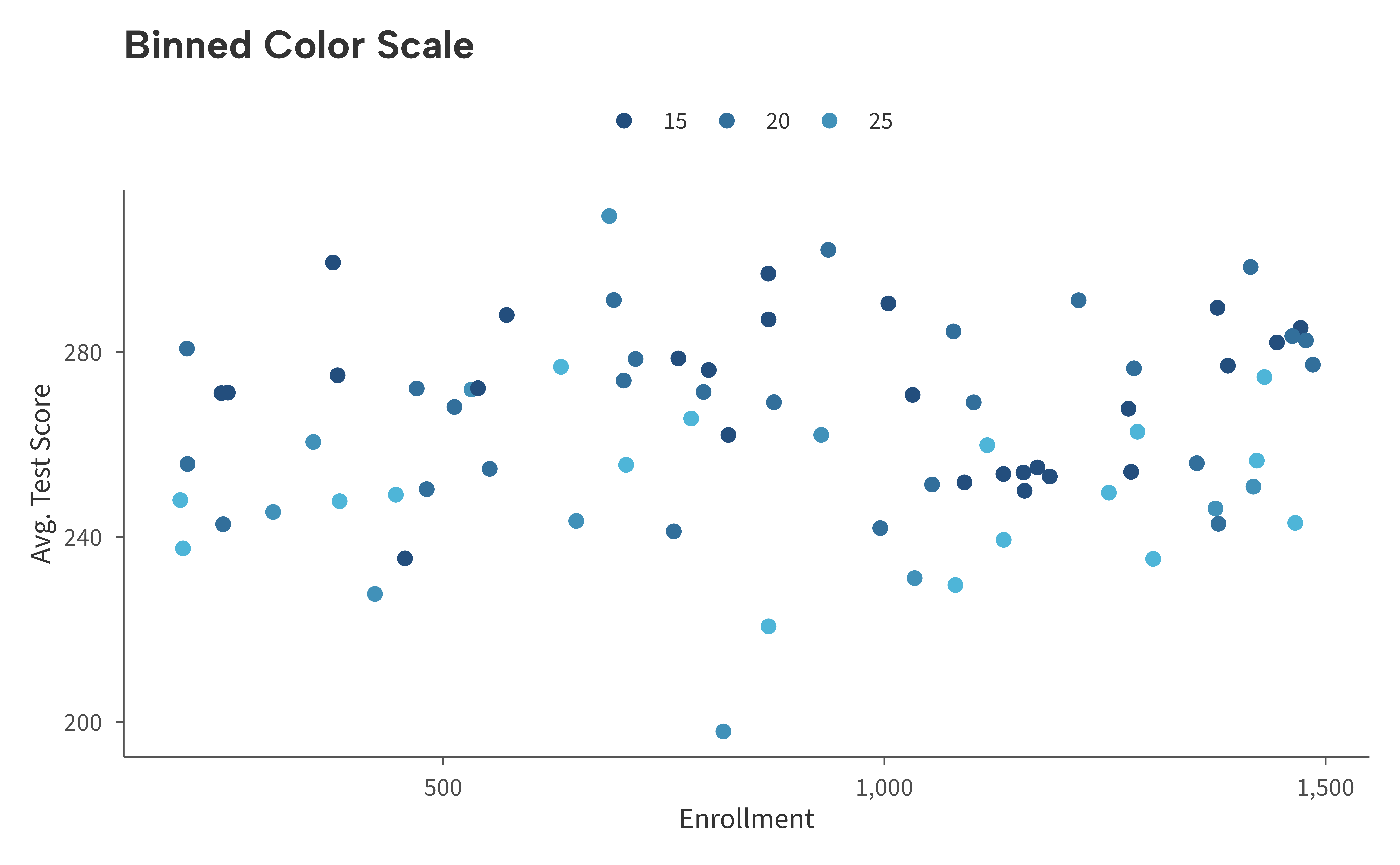
Override the endpoints with low and high,
or control the number of bins with n.breaks:
ggplot(schools, aes(enrollment, avg_score, color = st_ratio)) +
  geom_point(size = 2) +
  scale_color_aib_b(
    low = aib_colors("emerald"),
    high = aib_colors("yellow"),
    n.breaks = 4
  ) +
  scale_x_continuous(labels = aib_label("comma")) +
  labs(
    title = "Custom Binned Scale",
    x = "Enrollment",
    y = "Avg. Test Score",
    color = "Student-Teacher\nRatio"
  ) +
  theme_aib()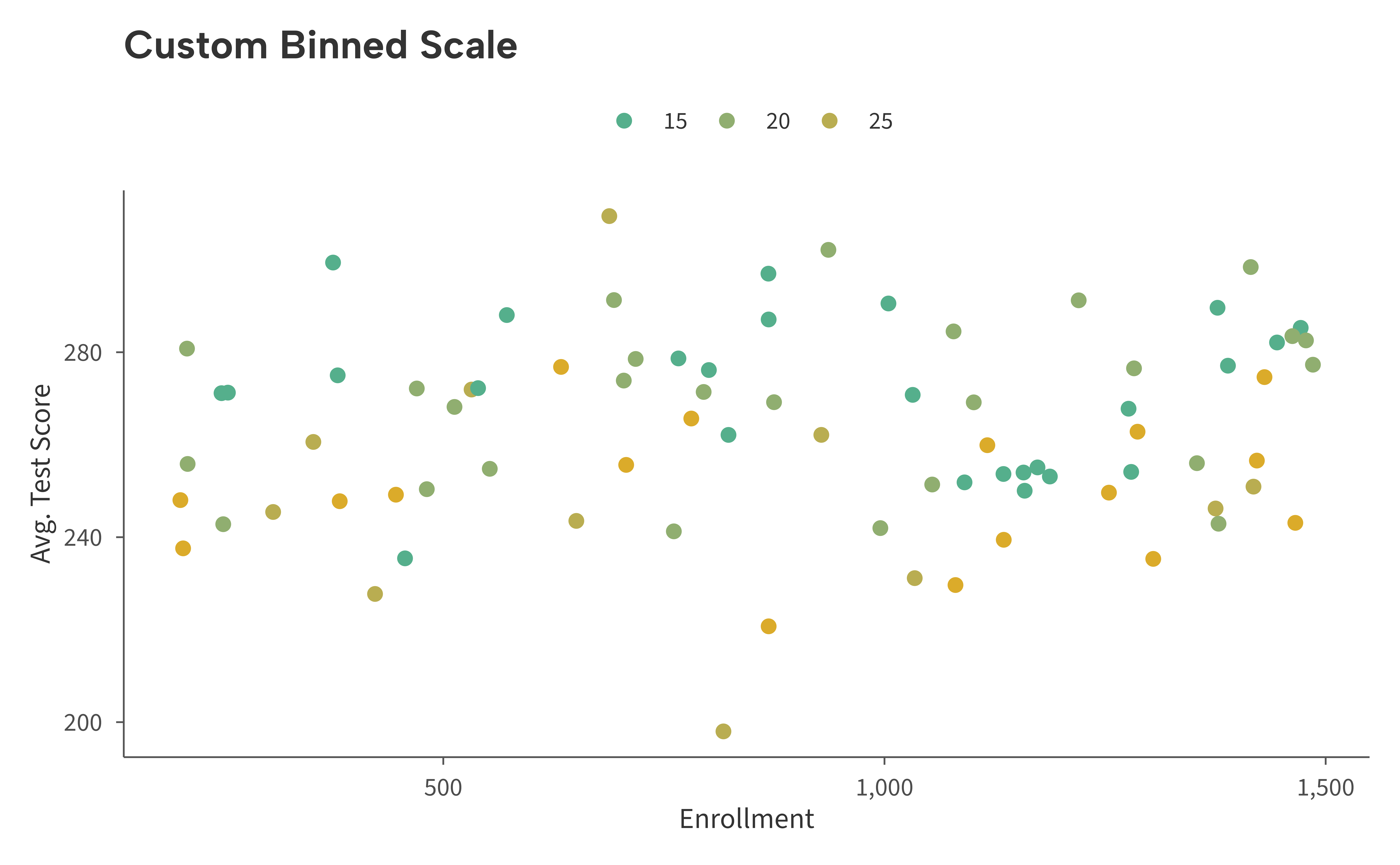
Continuous
scale_color_aib_c() and scale_fill_aib_c()
create a smooth two-color gradient. These are available when a
continuous colorbar is needed, but in most cases the binned scales above
are a better choice for readability.
ggplot(schools, aes(enrollment, avg_score, color = st_ratio)) +
  geom_point(size = 2) +
  scale_color_aib_c() +
  scale_x_continuous(labels = aib_label("comma")) +
  labs(
    title = "Continuous Color Scale",
    x = "Enrollment",
    y = "Avg. Test Score",
    color = "Student-Teacher\nRatio"
  ) +
  theme_aib()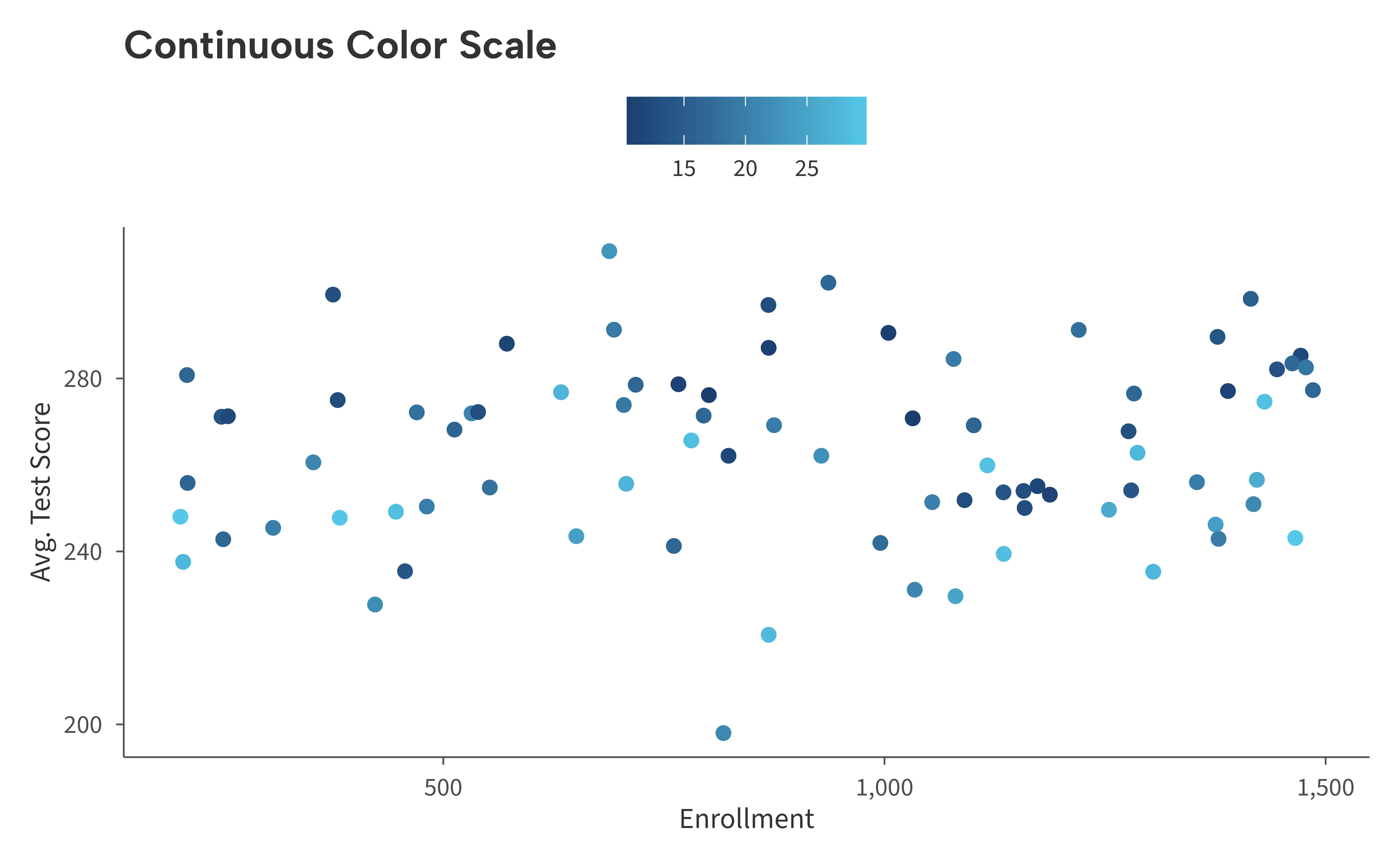
Diverging
scale_color_aib_div() and
scale_fill_aib_div() create a three-color gradient that
highlights deviations from a central value. The default runs from red
through light gray to navy, centered at zero.
set.seed(42)
districts2 <- data.frame(
  enrollment = runif(80, 500, 5000),
  avg_score = rnorm(80, 255, 20),
  spending_change = rnorm(80, 0, 6)
)

ggplot(districts2, aes(enrollment, avg_score, color = spending_change)) +
  geom_point(size = 2) +
  scale_color_aib_div() +
  scale_x_continuous(labels = aib_label("comma")) +
  labs(
    title = "Diverging Color Scale",
    x = "Enrollment",
    y = "Avg. Test Score",
    color = "Spending\nChange (%)"
  ) +
  theme_aib()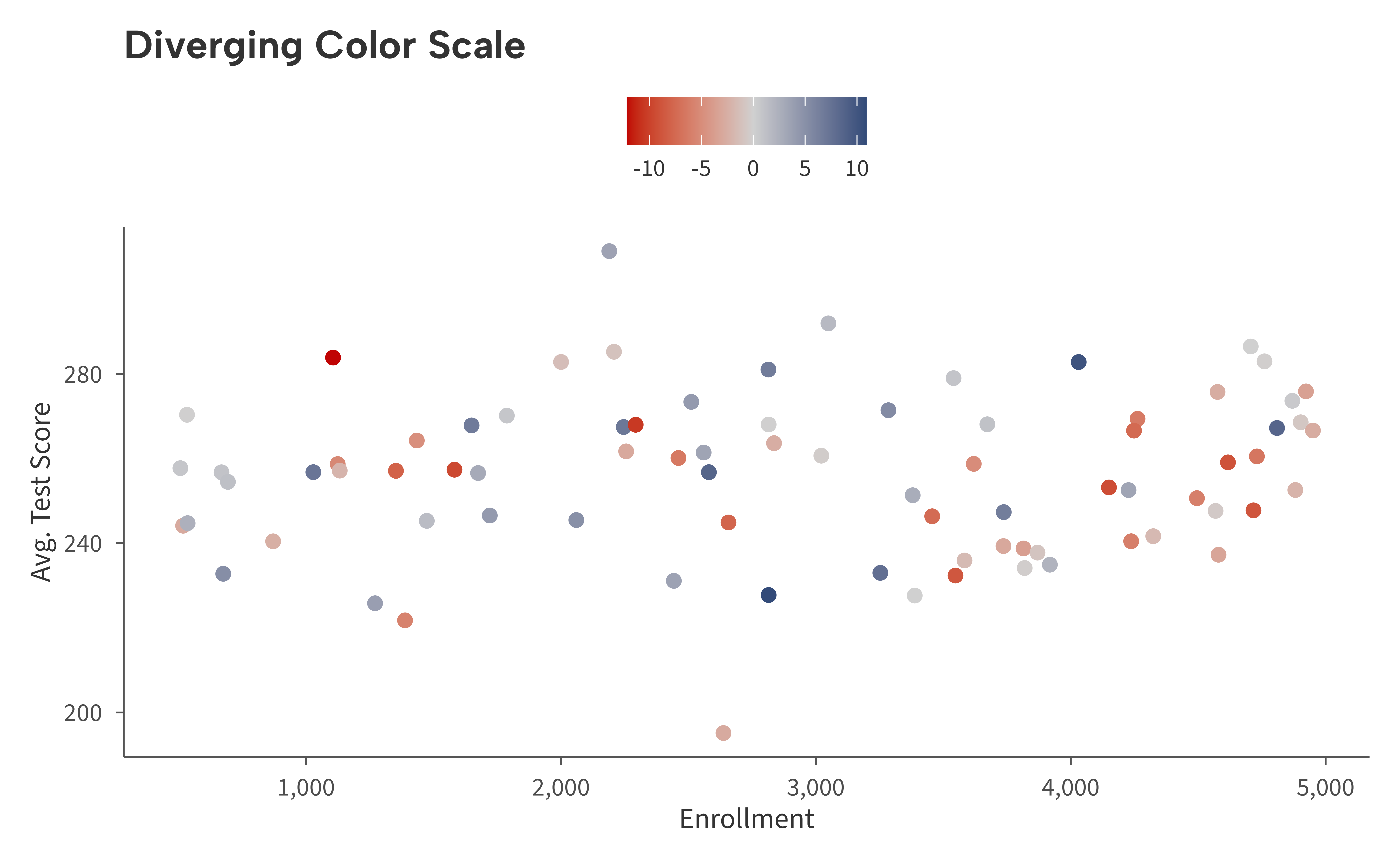
Adjust the midpoint or colors as needed:
ggplot(districts2, aes(enrollment, avg_score, color = spending_change)) +
  geom_point(size = 2) +
  scale_color_aib_div(midpoint = 2) +
  scale_x_continuous(labels = aib_label("comma")) +
  labs(
    title = "Shifted Midpoint",
    x = "Enrollment",
    y = "Avg. Test Score",
    color = "Spending\nChange (%)"
  ) +
  theme_aib()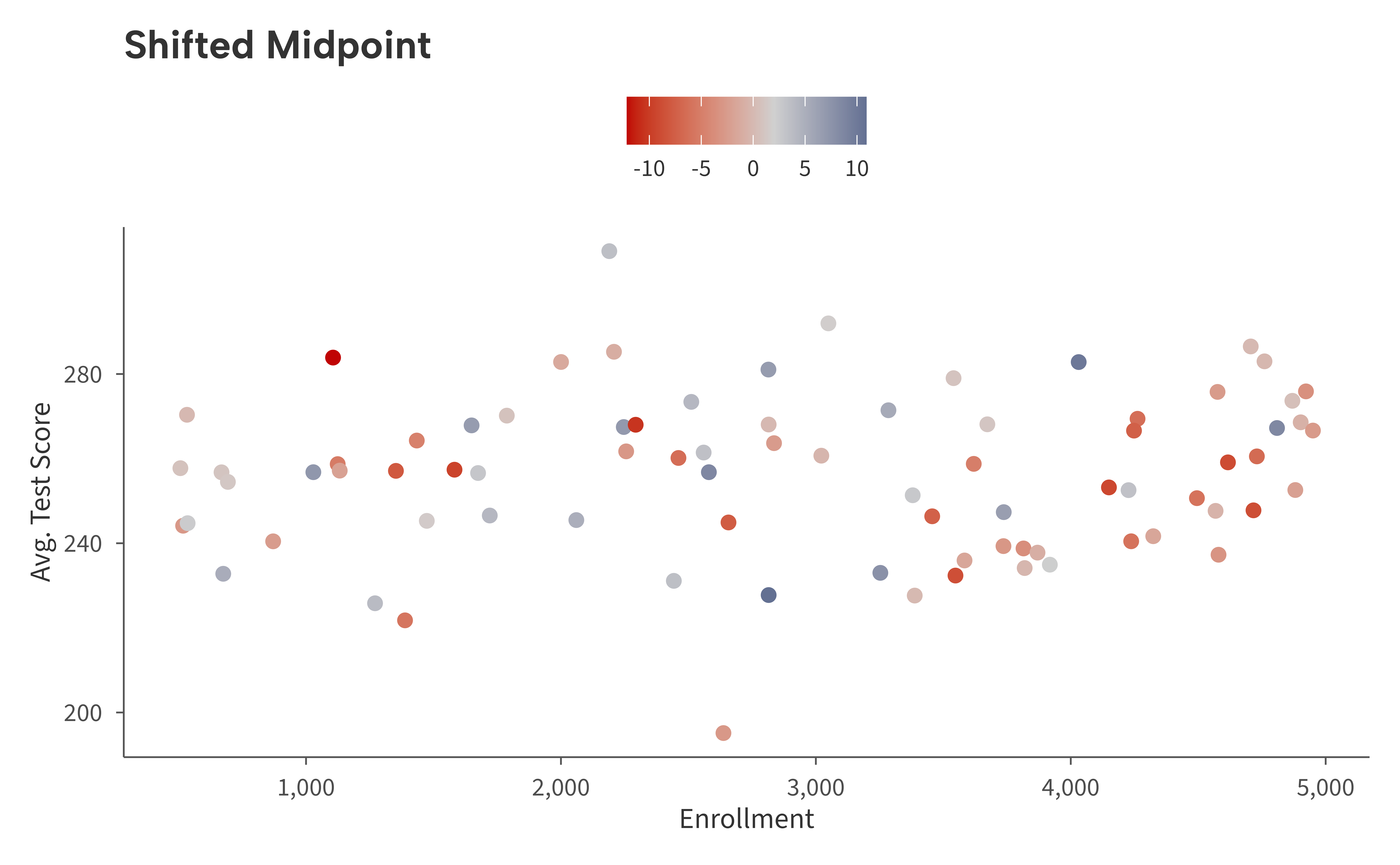
Summary
| Function | Aesthetic | Type |
|---|---|---|
scale_color_aib() /
scale_colour_aib()
|
color | Discrete |
scale_fill_aib() |
fill | Discrete |
scale_color_aib_b() /
scale_colour_aib_b()
|
color | Binned |
scale_fill_aib_b() |
fill | Binned |
scale_color_aib_c() /
scale_colour_aib_c()
|
color | Continuous |
scale_fill_aib_c() |
fill | Continuous |
scale_color_aib_div() /
scale_colour_aib_div()
|
color | Diverging |
scale_fill_aib_div() |
fill | Diverging |
All scale functions pass additional arguments (...)
through to the underlying ggplot2 scale.