Legends force readers to look back and forth between the plot and a color key. Two ggaib helpers let you drop the legend entirely:
-
aib_direct_label()places colored group names on a secondary y-axis, aligned with each group’s final value. -
aib_color_title()renders key words in the title or subtitle in matching colors, so the title itself acts as a legend.
Both should be added after your base theme in the
+ chain because they include partial theme
modifications.
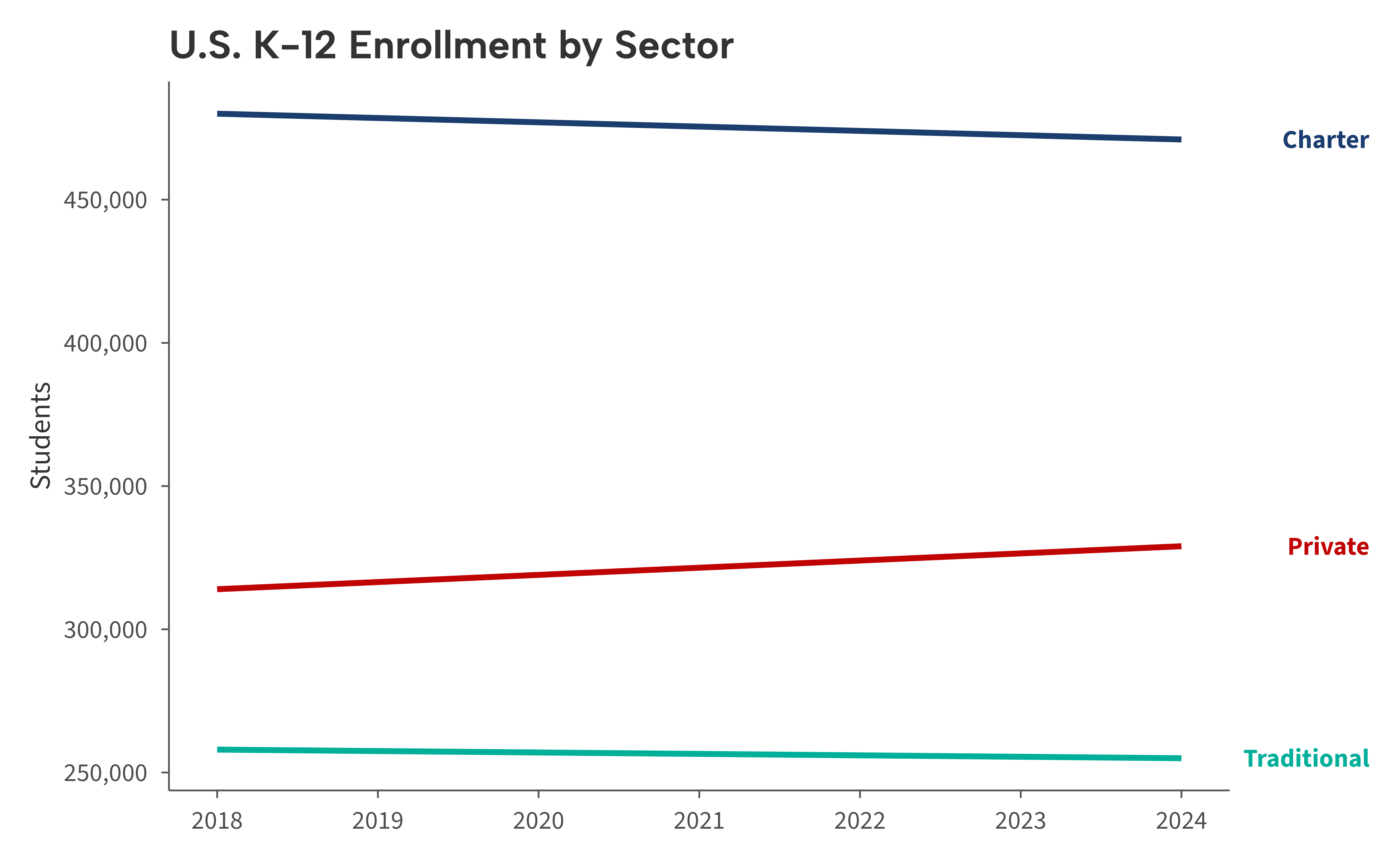
Direct labels with aib_direct_label()
aib_direct_label() replaces the legend with colored text
labels positioned at each group’s final y-value. Because it sets
scale_y_continuous() with a secondary axis internally, use
it instead of a separate
scale_y_continuous() call.
ggplot(enrollment, aes(year, students, color = sector)) +
  geom_line(linewidth = 1) +
  scale_color_aib() +
  scale_x_continuous(breaks = 2018:2024) +
  labs(
    title = "U.S. K-12 Enrollment by Sector",
    x = NULL, y = "Students"
  ) +
  theme_aib() +
  aib_direct_label(
    enrollment, "year", "students", "sector",
    labels = aib_label("comma"),
    bold = TRUE
  )
Adjusting label positions
When groups have similar endpoint values, labels can overlap. Use the
adjust argument to nudge individual labels up or down.
ggplot(enrollment, aes(year, students, color = sector)) +
  geom_line(linewidth = 1) +
  scale_color_aib() +
  scale_x_continuous(breaks = 2018:2024) +
  labs(
    title = "U.S. K-12 Enrollment by Sector",
    x = NULL, y = "Students"
  ) +
  theme_aib() +
  aib_direct_label(
    enrollment, "year", "students", "sector",
    adjust = c("Charter" = 1e6, "Private" = -1e6),
    labels = aib_label("comma")
  )
Styling labels
Use size and bold to control the appearance
of the direct labels.
ggplot(enrollment, aes(year, students, color = sector)) +
  geom_line(linewidth = 1) +
  scale_color_aib() +
  scale_x_continuous(breaks = 2018:2024) +
  labs(
    title = "U.S. K-12 Enrollment by Sector",
    x = NULL, y = "Students"
  ) +
  theme_aib() +
  aib_direct_label(
    enrollment, "year", "students", "sector",
    size = 11, bold = TRUE,
    labels = aib_label("comma")
  )
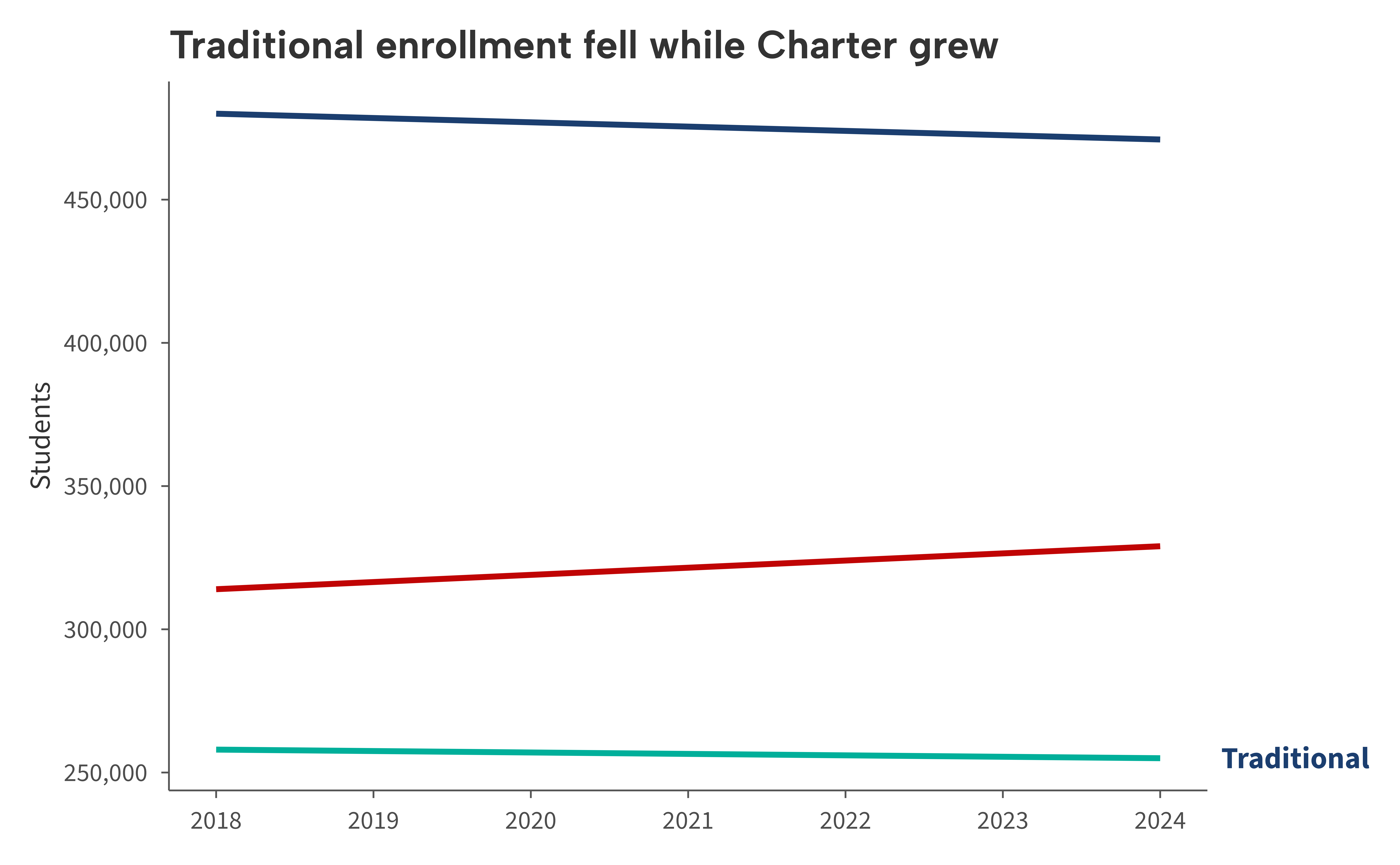
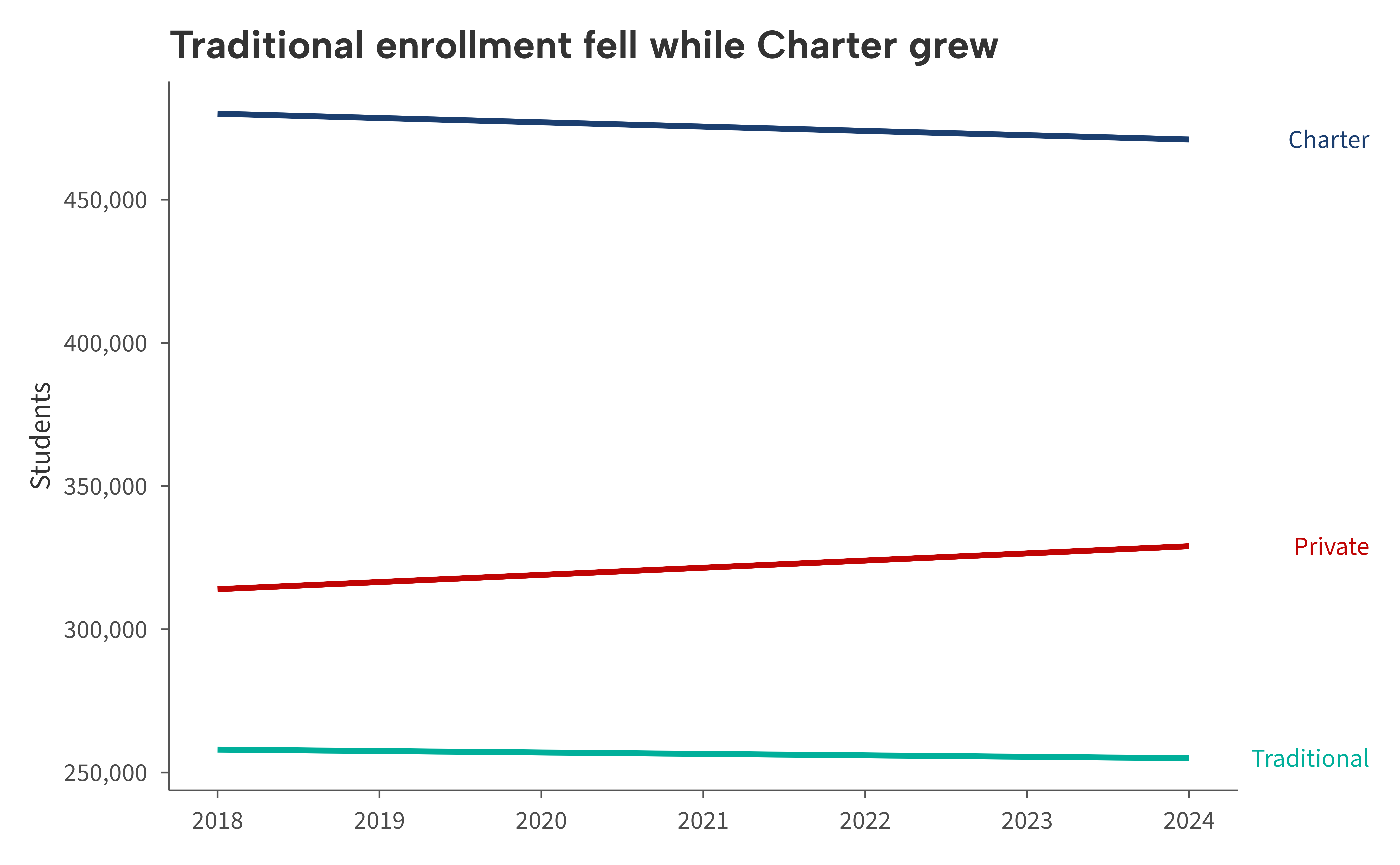
Colored titles with aib_color_title()
aib_color_title() renders specific words in the title or
subtitle in color, so readers can identify groups without any legend at
all. Pass a named character vector mapping substrings to colors.
sector_colors <- c(
  "Traditional" = aib_colors("navy"),
  "Charter"     = aib_colors("red"),
  "Private"     = aib_colors("emerald")
)

ggplot(enrollment, aes(year, students, color = sector)) +
  geom_line(linewidth = 1) +
  scale_color_aib() +
  scale_x_continuous(breaks = 2018:2024) +
  labs(x = NULL, y = "Students") +
  theme_aib() +
  aib_direct_label(
    enrollment, "year", "students", "sector",
    labels = aib_label("comma")
  ) +
  aib_color_title(
    "Traditional enrollment fell while Charter grew",
    colors = sector_colors
  )
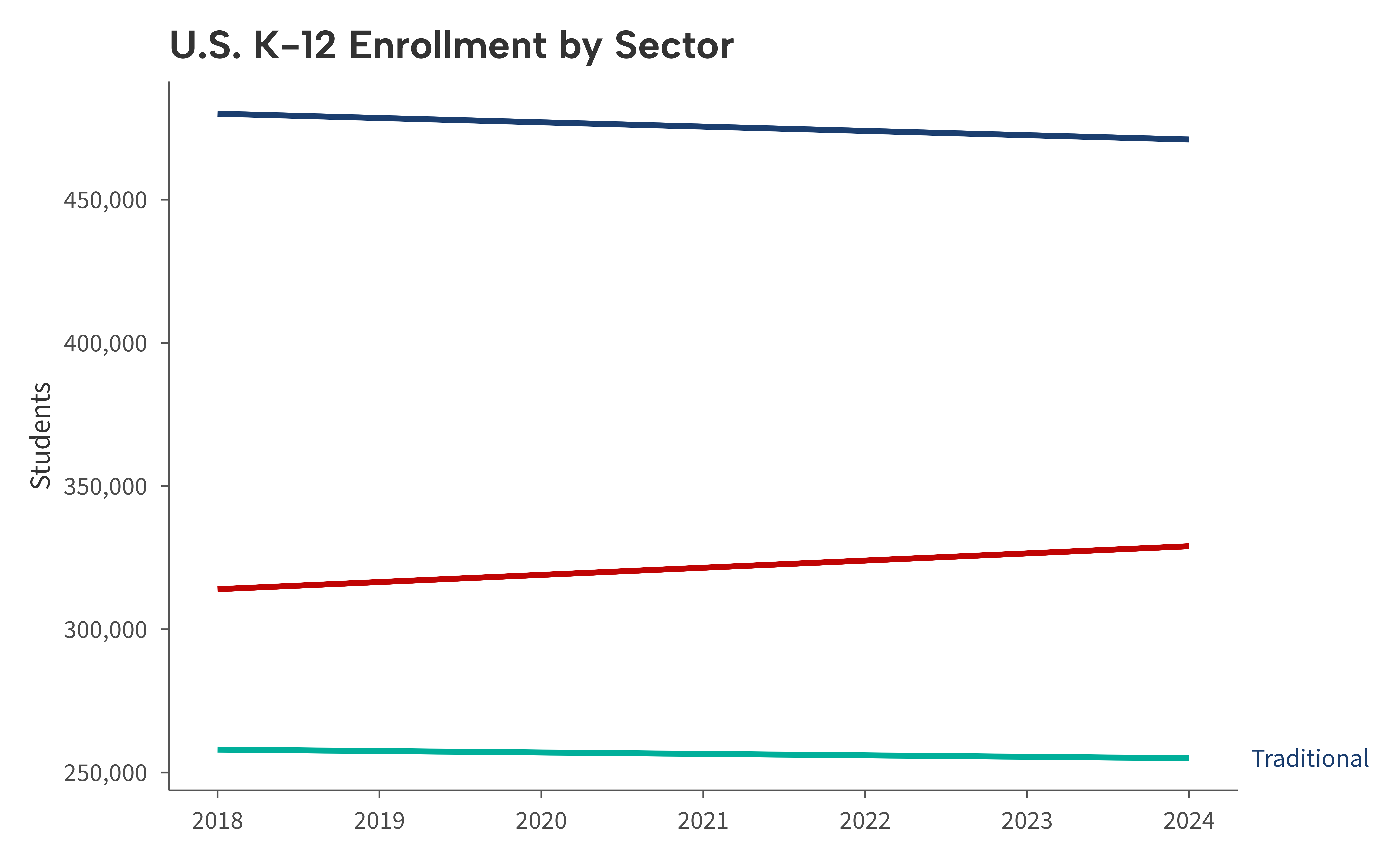
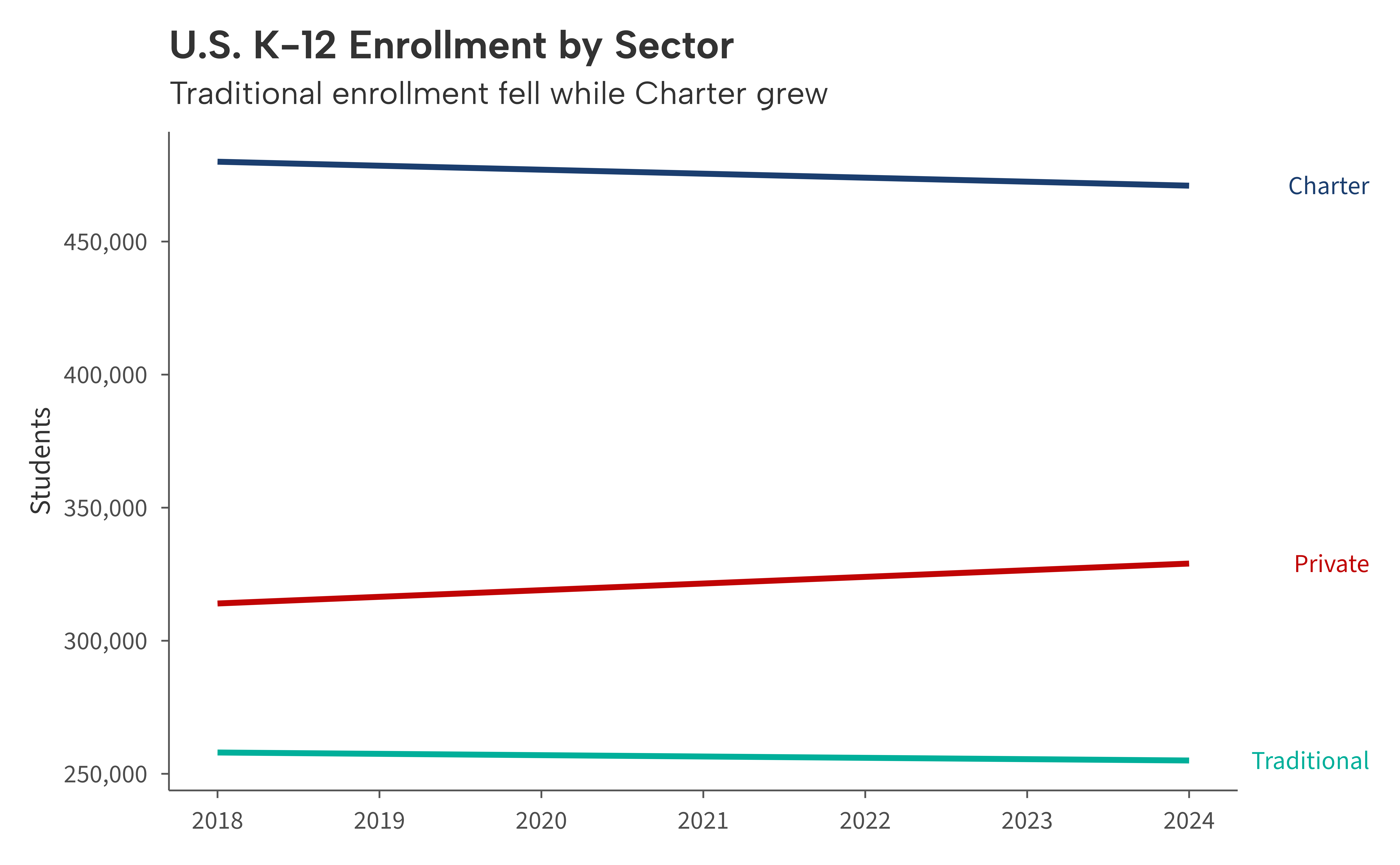
Use element = "subtitle" to color the subtitle
instead.
ggplot(enrollment, aes(year, students, color = sector)) +
  geom_line(linewidth = 1) +
  scale_color_aib() +
  scale_x_continuous(breaks = 2018:2024) +
  labs(
    title = "U.S. K-12 Enrollment by Sector",
    x = NULL, y = "Students"
  ) +
  theme_aib() +
  aib_direct_label(
    enrollment, "year", "students", "sector",
    labels = aib_label("comma")
  ) +
  aib_color_title(
    "Traditional enrollment fell while Charter grew",
    colors = sector_colors,
    element = "subtitle"
  )
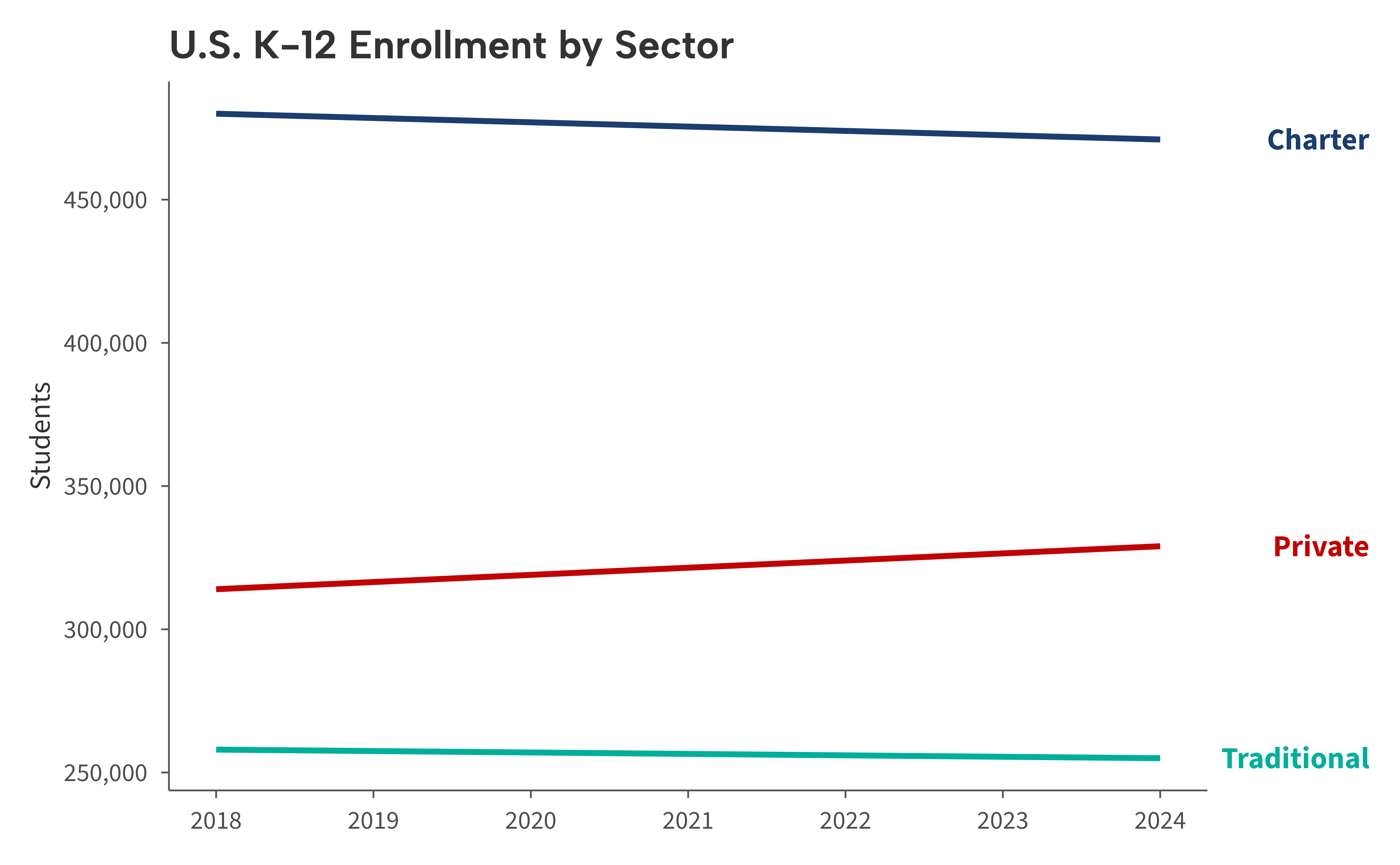
Putting it all together
Combine both functions for a polished, legend-free chart.
ggplot(enrollment, aes(year, students, color = sector)) +
  geom_line(linewidth = 1) +
  scale_color_aib() +
  scale_x_continuous(breaks = 2018:2024) +
  labs(x = NULL, y = "Students") +
  theme_aib() +
  aib_direct_label(
    enrollment, "year", "students", "sector",
    adjust = c("Charter" = 1e6, "Private" = -1e6),
    size = 11, bold = TRUE,
    labels = aib_label("comma")
  ) +
  aib_color_title(
    "Traditional enrollment fell while Charter grew",
    colors = sector_colors
  )