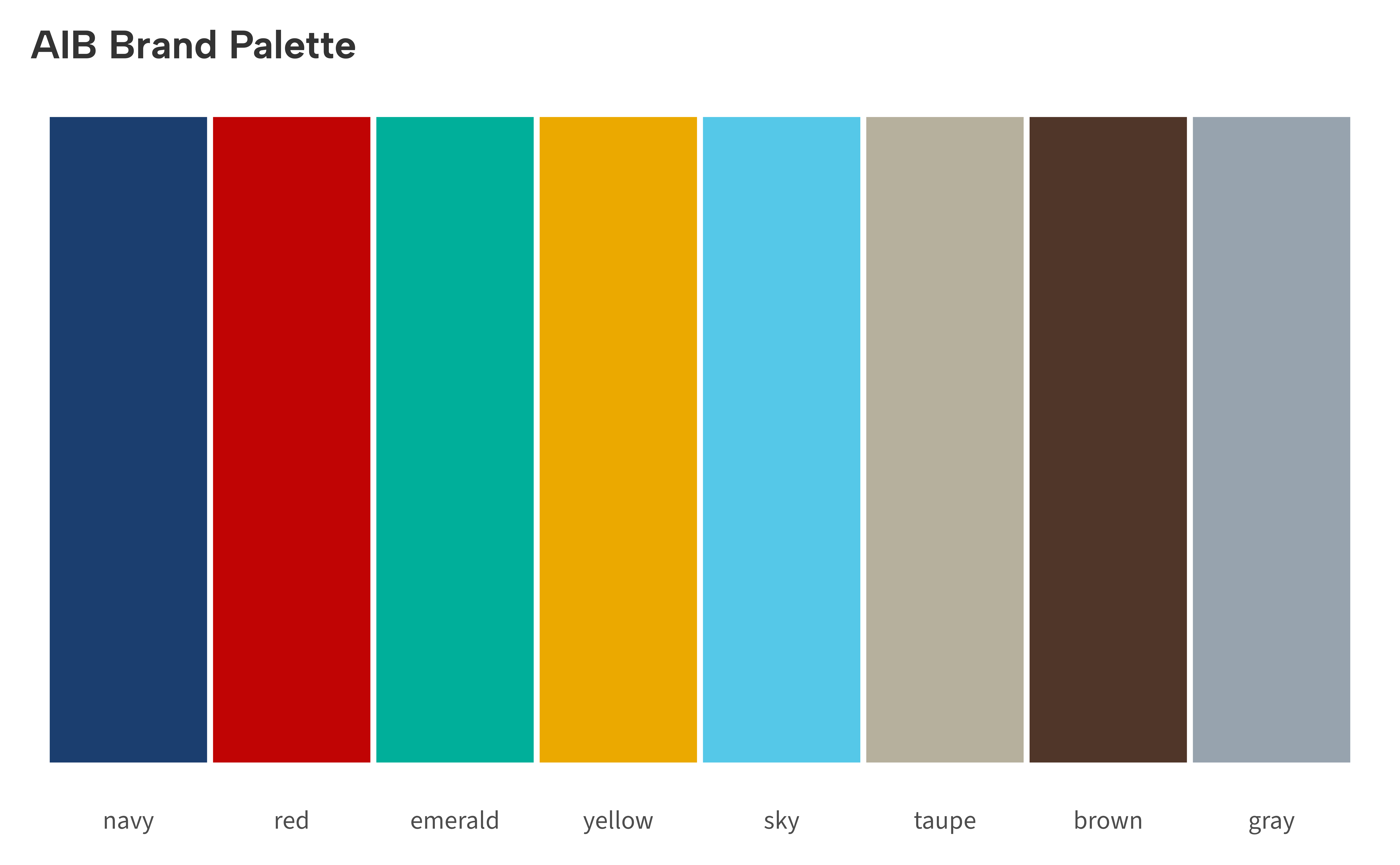
The AIB brand palette contains eight colors. Two functions provide access to these colors for use in custom plots or analyses.
aib_colors() — Access colors by name
Call aib_colors() with no arguments to see the full
palette:
aib_colors()
#>      navy       red   emerald    yellow       sky     taupe     brown      gray
#> "#1B3E6F" "#C00404" "#00AF9A" "#EBA900" "#55C8E8" "#B6B09D" "#503629" "#97A3AE"
Pass color names to select specific values:
aib_colors("navy", "red", "emerald")
#>      navy       red   emerald
#> "#1B3E6F" "#C00404" "#00AF9A"
An error is raised for invalid names:
aib_colors("purple")
#> Error:
#> ! purple not valid AIB colors. Choose from: navy, red, emerald, yellow, sky, taupe, brown, gray
Palette swatch
cols <- aib_colors()
df <- data.frame(
  name = factor(names(cols), levels = names(cols)),
  y = 1
)

ggplot(df, aes(name, y, fill = name)) +
  geom_tile(color = "white", linewidth = 1) +
  scale_fill_manual(values = cols) +
  labs(title = "AIB Brand Palette") +
  theme_aib() +
  theme(
    axis.title = element_blank(),
    axis.text.y = element_blank(),
    axis.ticks = element_blank(),
    axis.line = element_blank(),
    legend.position = "none"
  )
Using colors directly
aib_colors() returns standard hex codes, so the values
can be used anywhere ggplot2 accepts a color string:
set.seed(42)
df <- data.frame(x = 1:50, y = cumsum(rnorm(50)))

ggplot(df, aes(x, y)) +
  geom_line(linewidth = 1, color = aib_colors("navy")) +
  geom_hline(
    yintercept = 0,
    linetype = "dashed",
    color = aib_colors("gray")
  ) +
  labs(title = "Using Colors Directly", x = NULL, y = NULL) +
  theme_aib_grid()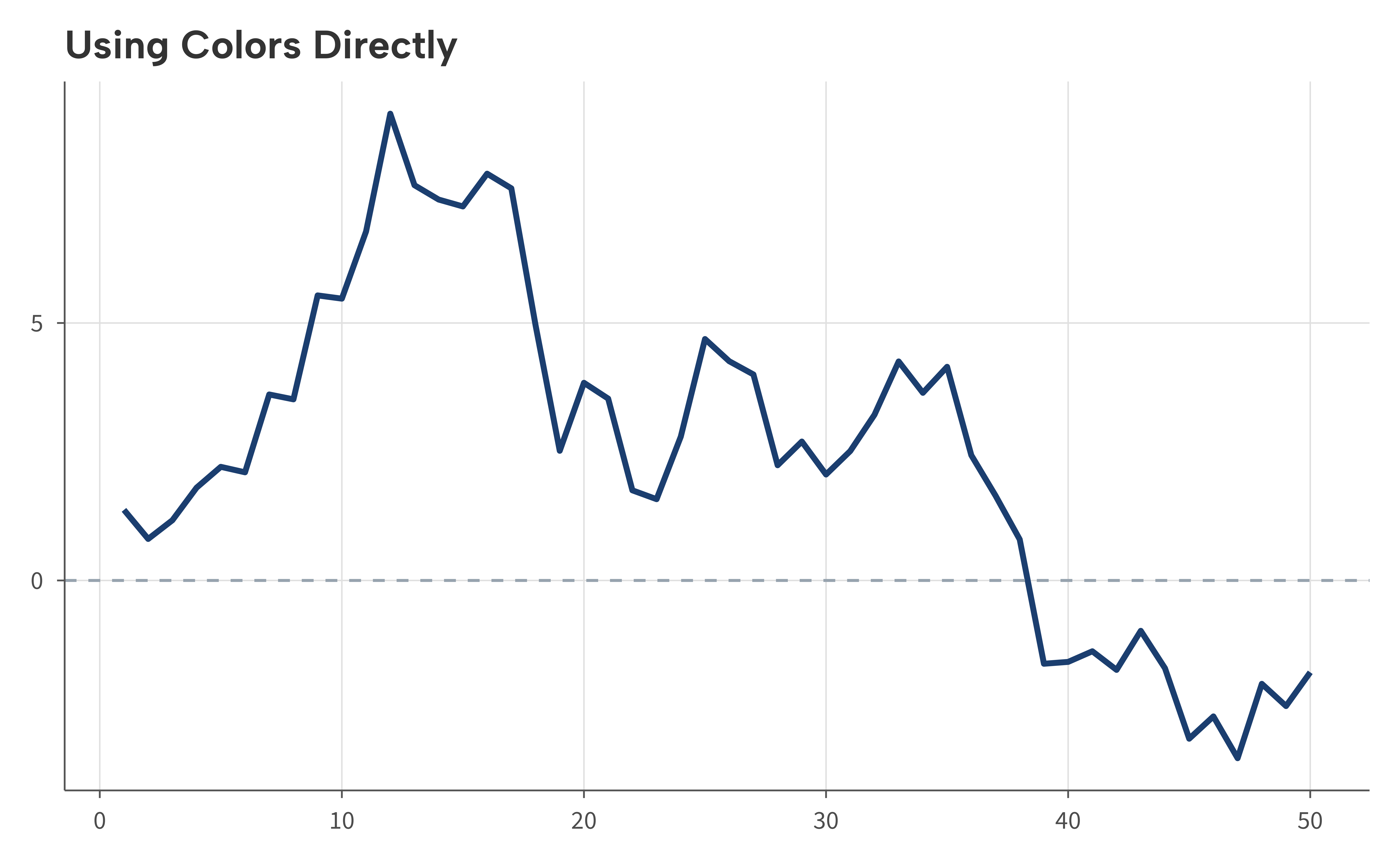
aib_pal() — Palette function for scales
aib_pal() returns a function that generates
n colors from the palette. This is the engine behind
scale_color_aib() and scale_fill_aib(), but it
can also be used on its own:
pal <- aib_pal()
pal(3)
#> [1] "#1B3E6F" "#C00404" "#00AF9A"
pal(5)
#> [1] "#1B3E6F" "#C00404" "#00AF9A" "#EBA900" "#55C8E8"
This is useful when you need brand colors outside of a ggplot2 scale, for example when building a custom legend or annotating a plot with colored text.