aib_label() is a convenience wrapper around common scales label functions. It returns a
labeler function that can be passed directly to the labels
argument of any continuous scale.
Available formats
| Type | Output | Underlying function |
|---|---|---|
"comma" |
1,000 | scales::label_comma() |
"dollar" |
$1,000 | scales::label_dollar() |
"percent" |
100% | scales::label_percent() |
"pp" |
1 pp | scales::label_comma(suffix = " pp") |
Examples
Comma
enrollment <- data.frame(
  sector = c("Public", "Charter", "Magnet", "Private"),
  students = c(47.3, 3.7, 2.5, 5.7) * 1e6
)
enrollment$sector <- factor(enrollment$sector, levels = enrollment$sector)

ggplot(enrollment, aes(sector, students, fill = sector)) +
  geom_col() +
  scale_fill_aib() +
  scale_y_continuous(labels = aib_label("comma")) +
  labs(title = "Comma Format", x = NULL, y = "Students") +
  theme_aib() +
  theme(legend.position = "none")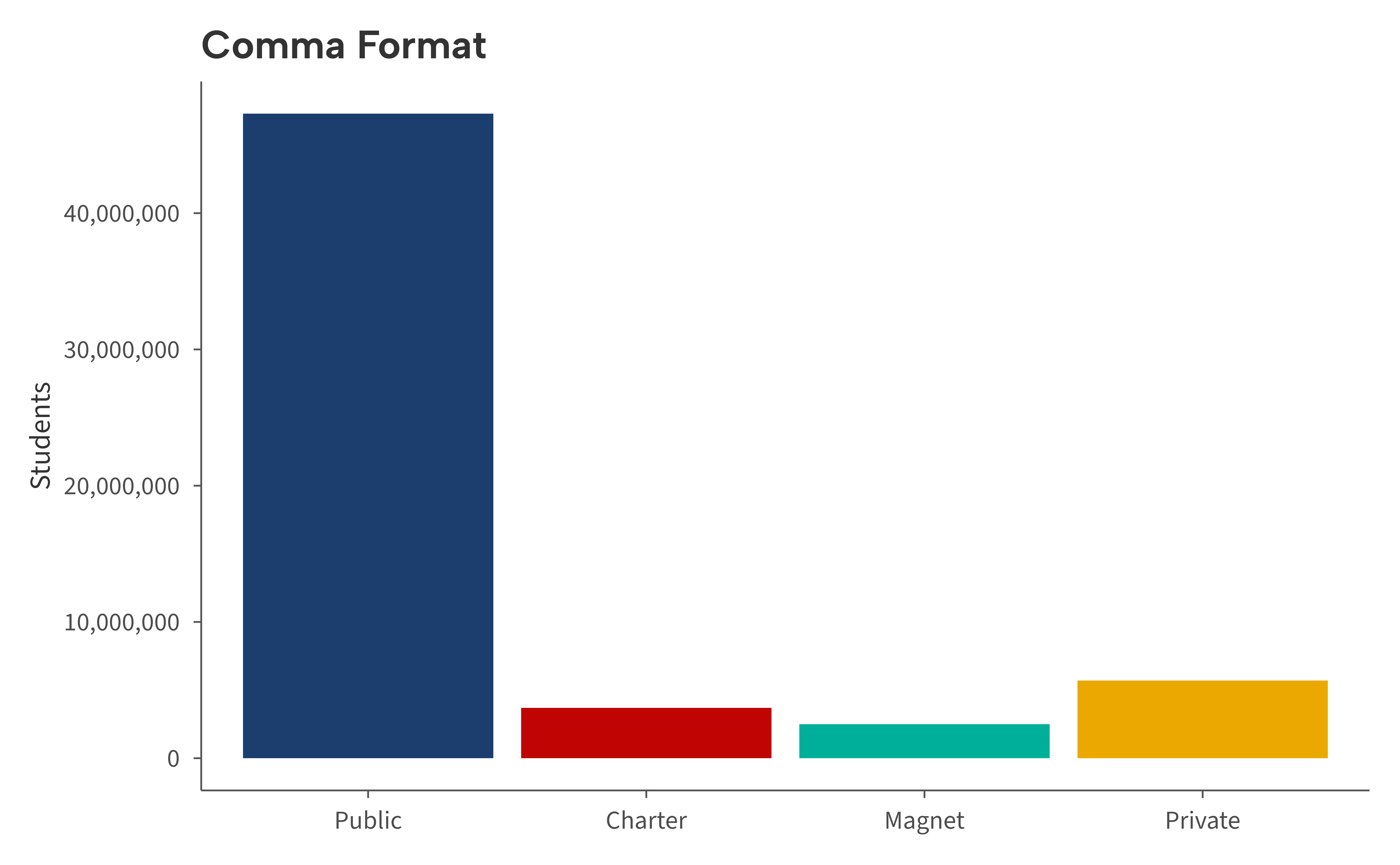
Dollar
spending <- data.frame(
  state = c("NY", "NJ", "CT", "MA", "VT"),
  ppexp = c(26.6, 21.0, 21.8, 18.6, 20.3) * 1000
)
spending$state <- factor(spending$state, levels = spending$state)

ggplot(spending, aes(state, ppexp, fill = state)) +
  geom_col() +
  scale_fill_aib() +
  scale_y_continuous(
    labels = aib_label("dollar"),
    limits = c(0, 30000),
    breaks = seq(0, 30000, 5000)
    ) +
  labs(title = "Dollar Format", x = NULL, y = "Per-Pupil Spending") +
  theme_aib() +
  theme(legend.position = "none")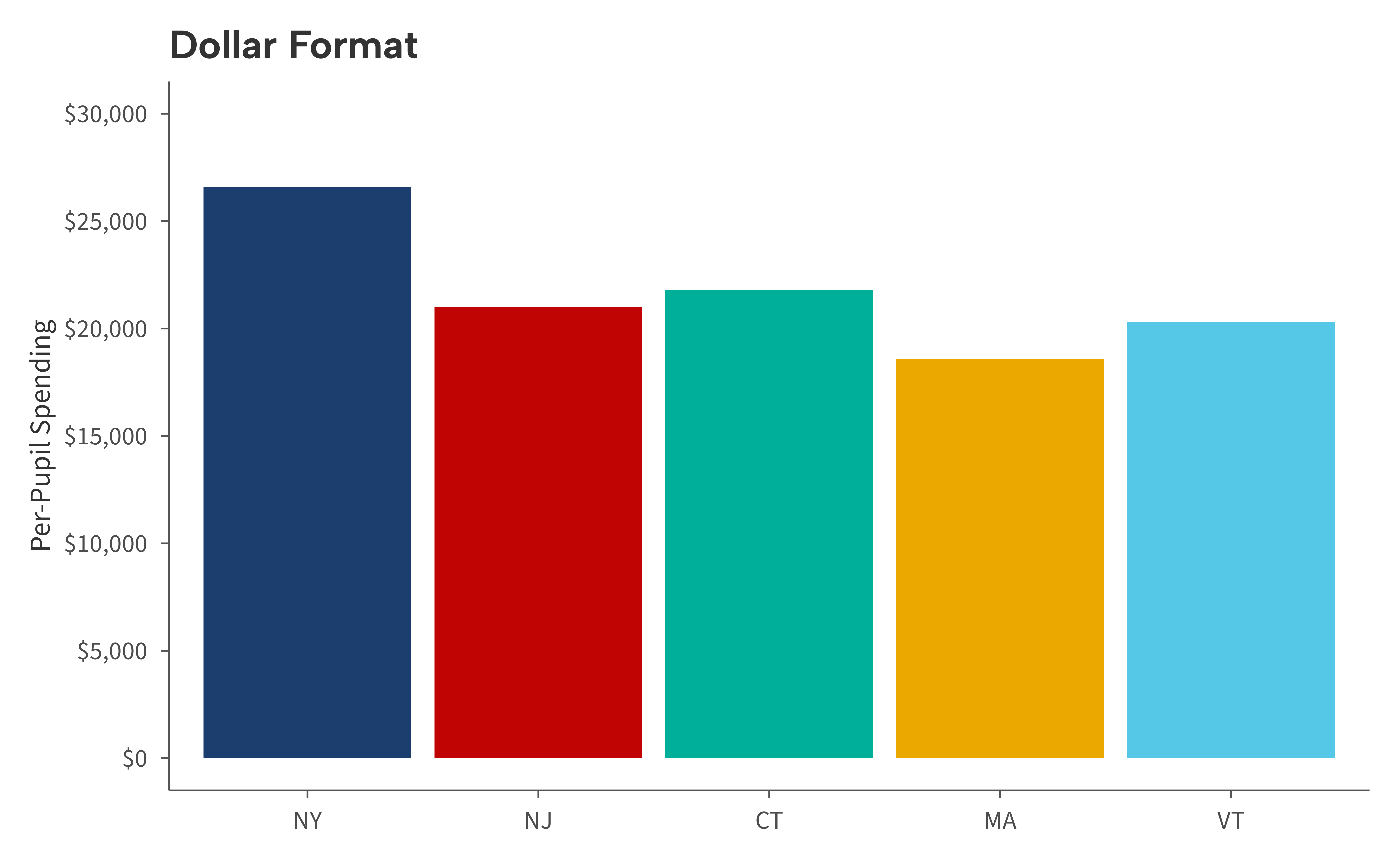
Percent
grad <- data.frame(
  year = 2015:2023,
  rate = seq(0.83, 0.87, length.out = 9) + rnorm(9, 0, 0.005)
)

ggplot(grad, aes(year, rate)) +
  geom_line(linewidth = 1, color = aib_colors("navy")) +
  geom_point(size = 2, color = aib_colors("navy")) +
  scale_y_continuous(labels = aib_label("percent")) +
  labs(title = "Percent Format", x = NULL, y = "Graduation Rate") +
  theme_aib_grid()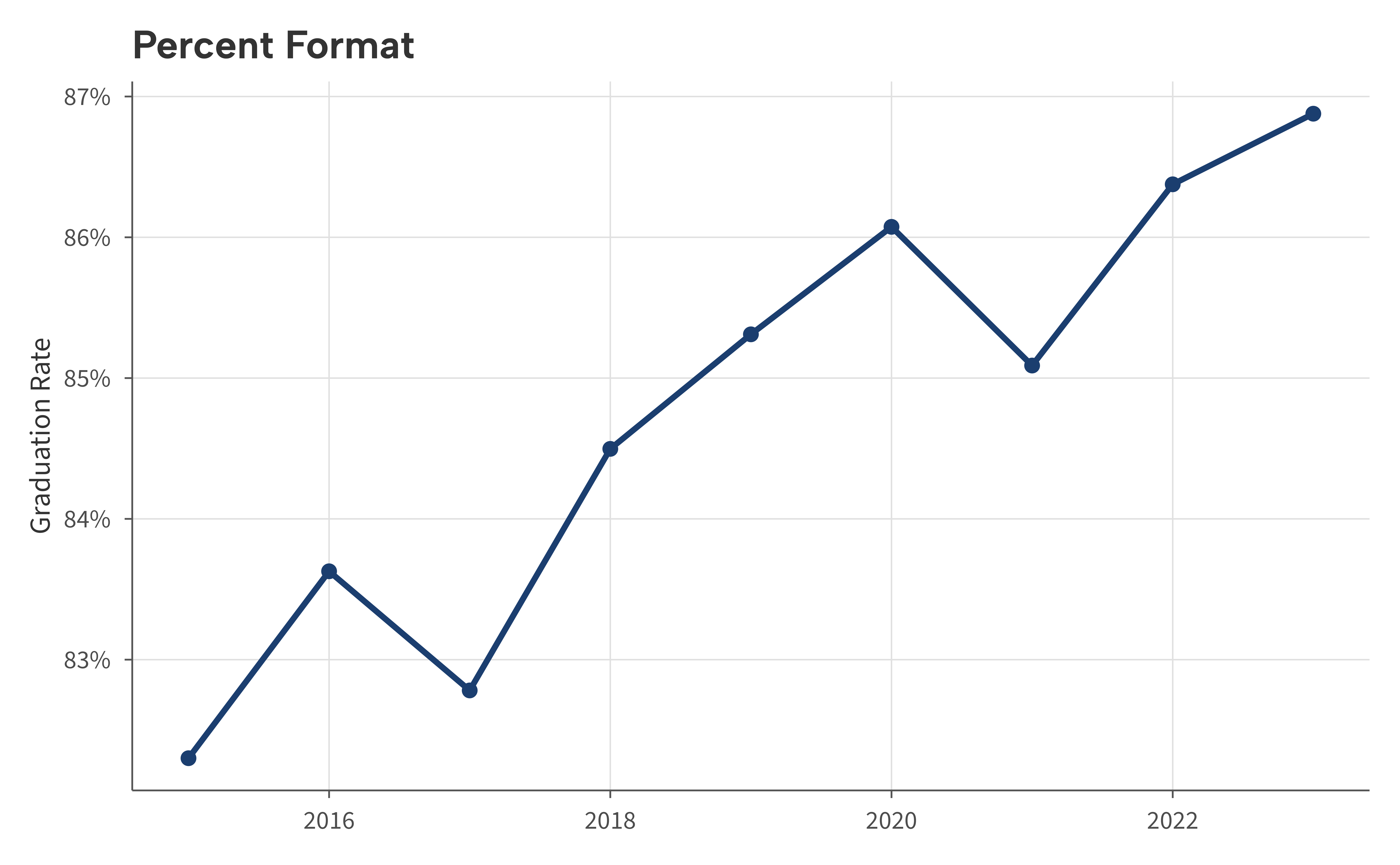
Percentage points
set.seed(42)
effects <- data.frame(
  program = c("Tutoring", "Summer School", "Mentoring", "After-School"),
  effect = c(3.2, 1.8, 2.5, 1.1)
)
effects$program <- factor(effects$program, levels = effects$program)

ggplot(effects, aes(program, effect, fill = program)) +
  geom_col() +
  scale_fill_aib() +
  scale_y_continuous(labels = aib_label("pp")) +
  labs(
    title = "Percentage Point Format",
    x = NULL,
    y = "Effect on Graduation Rate"
  ) +
  theme_aib() +
  theme(legend.position = "none")
Usage
Pass aib_label() to the labels argument of
any continuous scale:
scale_x_continuous(labels = aib_label("dollar"))
scale_y_continuous(labels = aib_label("percent"))
For formats not covered by aib_label(), use the scales package directly.