The ggaib package includes three theme variants. All share the same fonts and color conventions but differ in gridline and axis treatment to suit different contexts.
theme_aib() — Publication
The default theme targets journal articles and reports. It uses a clean, minimal design with no gridlines, thin axis lines, and a bottom legend.
set.seed(42)
districts <- data.frame(
  spending = c(rnorm(40, 11, 2), rnorm(40, 15, 2.5)),
  avg_score = c(rnorm(40, 250, 15), rnorm(40, 270, 12)),
  type = rep(c("Urban", "Suburban"), each = 40)
)

ggplot(districts, aes(spending, avg_score, color = type)) +
  geom_point(size = 2) +
  scale_color_aib() +
  scale_x_continuous(labels = aib_label("dollar")) +
  scale_y_continuous(limits = c(215, 300), breaks = seq(200, 300, 20)) +
  labs(
    title = "Per-Pupil Spending and Math Scores",
    x = "Per-Pupil Expenditures ($1,000s)",
    y = "Average Math Score",
    caption = "Note: Simulated data for illustration"
  ) +
  theme_aib() +
  aib_color_title(
    "Urban and Suburban school districts",
    colors = c(
      "Urban"    = unname(aib_colors("navy")),
      "Suburban" = unname(aib_colors("red"))
    ),
    element = "subtitle"
  ) +
  theme(legend.position = "none")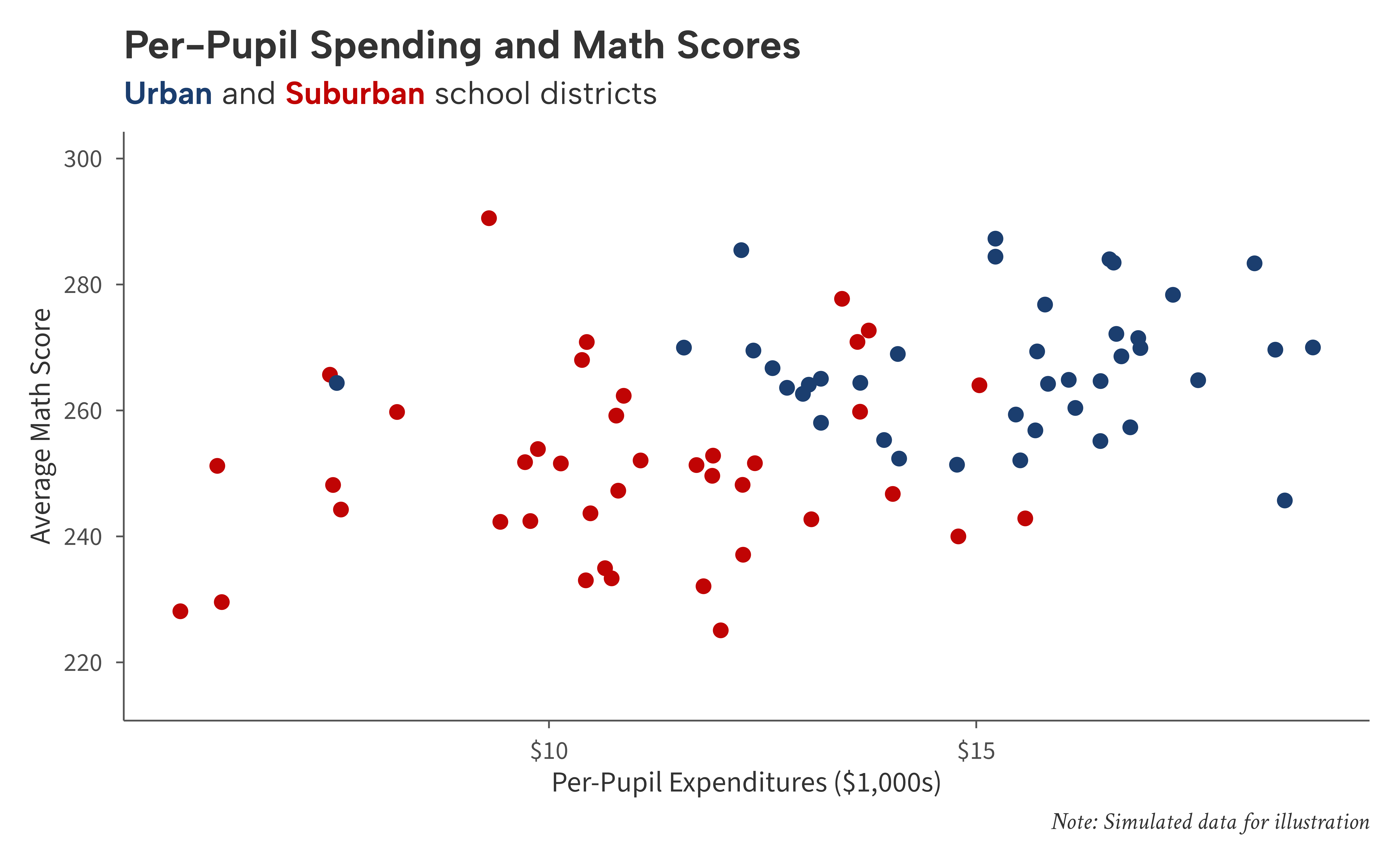
Gridlines
All theme variants accept a gridlines argument. Use
"x", "y", or "xy" to add light
gray major gridlines:
ggplot(districts, aes(spending, avg_score, color = type)) +
  geom_point(size = 2) +
  scale_color_aib() +
  scale_x_continuous(labels = aib_label("dollar")) +
  scale_y_continuous(limits = c(215, 300), breaks = seq(200, 300, 20)) +
  labs(
    title = "Adding Horizontal Gridlines",
    x = "Per-Pupil Expenditures ($1,000s)",
    y = "Average Math Score"
  ) +
  theme_aib(gridlines = "y")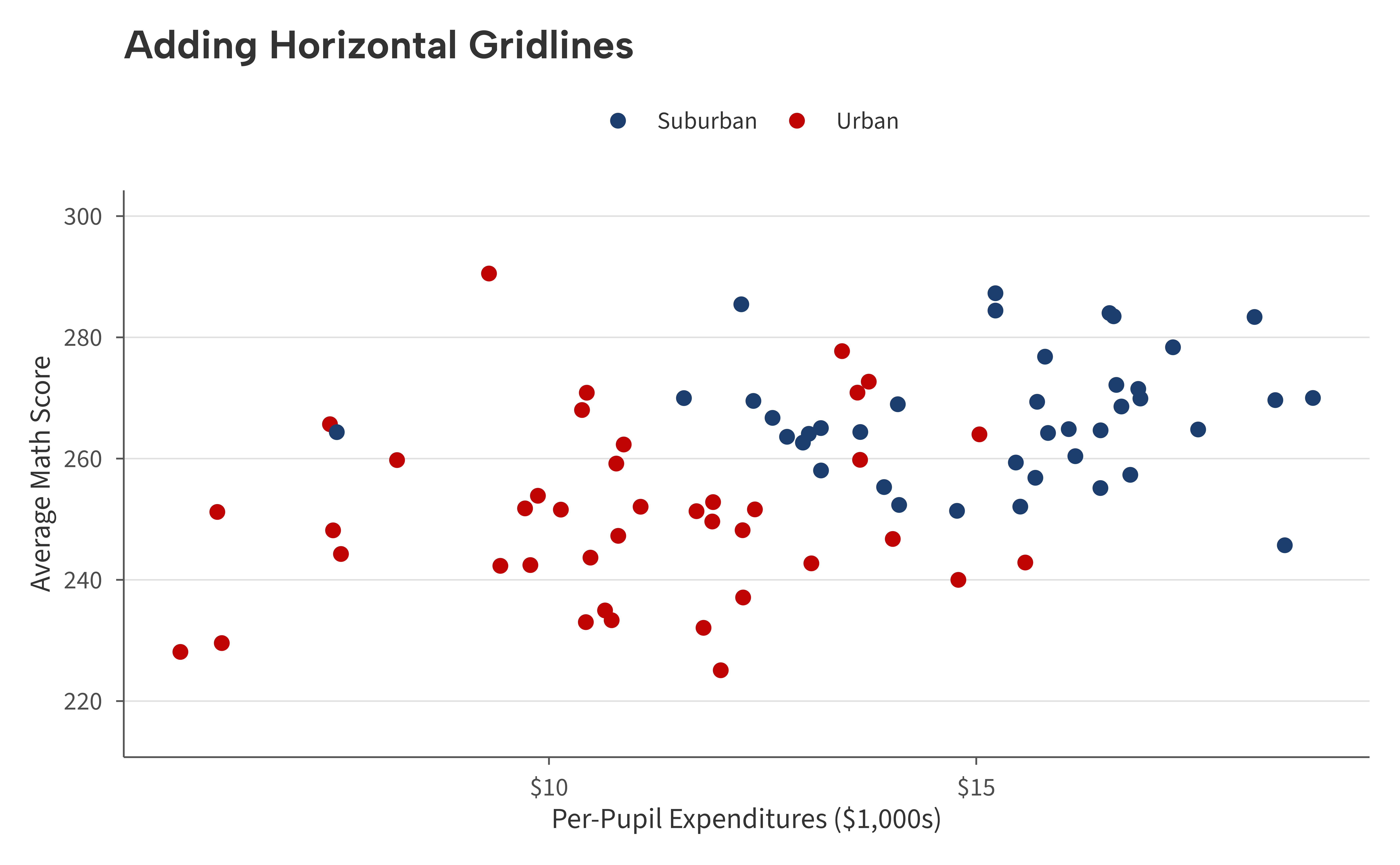
theme_aib_grid() — Data-Dense
Identical to theme_aib() but defaults to
gridlines = "xy". Use this for time-series or scatter plots
where gridlines help readers trace values.
set.seed(42)
years <- 2005:2023
gap_data <- data.frame(
  year = rep(years, 2),
  group = rep(c("Higher-Income", "Lower-Income"), each = length(years)),
  score = c(
    270 + cumsum(rnorm(length(years), 0.3, 0.8)),
    240 + cumsum(rnorm(length(years), 0.8, 0.9))
  )
)

ggplot(gap_data, aes(year, score, color = group)) +
  geom_line(linewidth = 1) +
  scale_color_aib() +
  scale_x_continuous(breaks = seq(2005, 2025, 3)) +
  labs(
    title = "Reading Achievement Gap Over Time",
    x = NULL,
    y = "Average Reading Score"
  ) +
  theme_aib_grid() +
  aib_color_title(
    "Higher-Income and Lower-Income 4th-grade scores",
    colors = c(
      "Higher-Income" = unname(aib_colors("navy")),
      "Lower-Income"  = unname(aib_colors("red"))
    ),
    element = "subtitle"
  ) +
  aib_direct_label(gap_data, "year", "score", "group",
                   limits = c(215, 300), breaks = seq(200, 300, 20))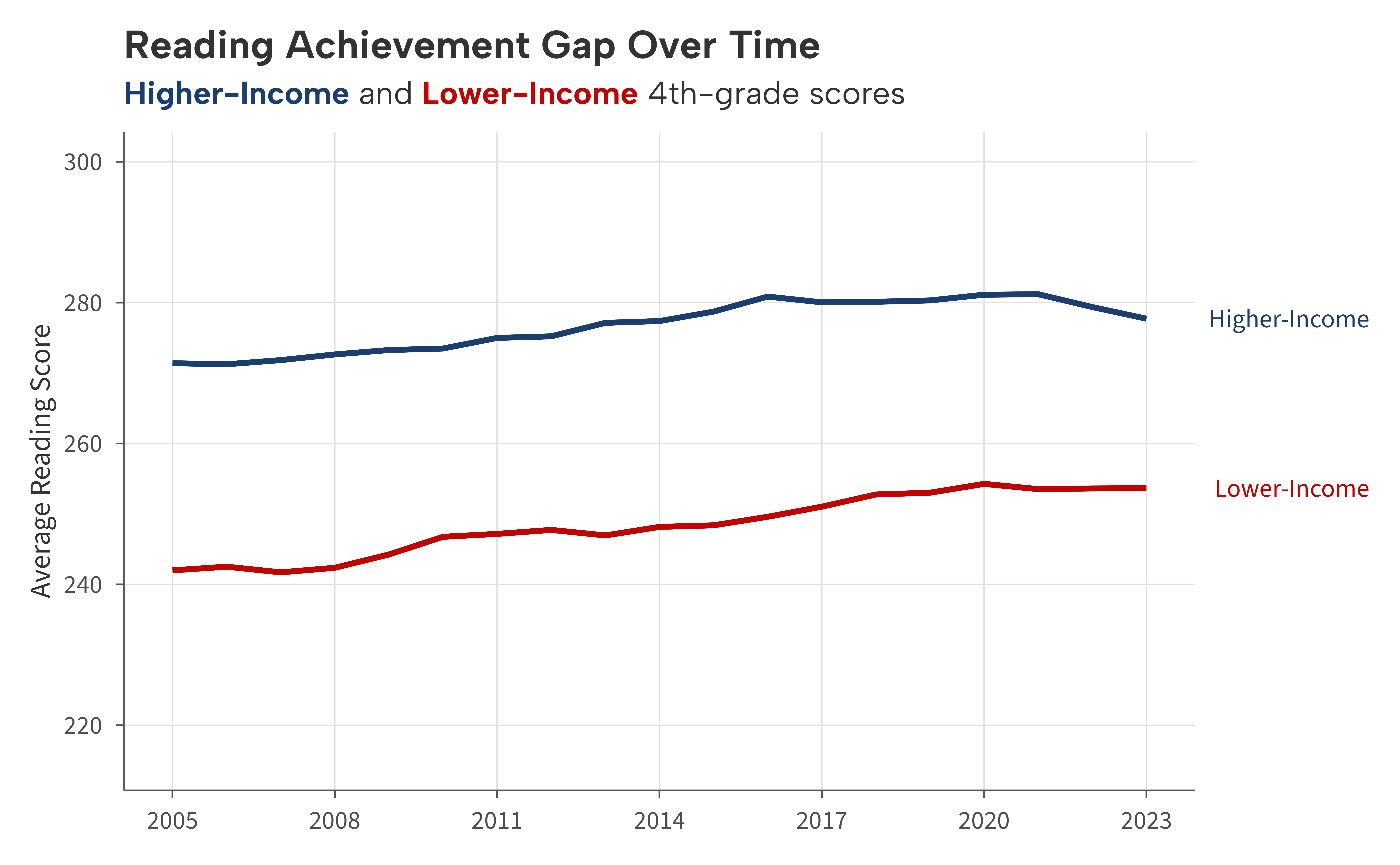
theme_aib_map() — Maps
Removes axis lines, ticks, labels, and titles. Retains the plot title, subtitle, caption, and legend styling.
set.seed(42)
states <- ggplot2::map_data("state")
spending_by_state <- data.frame(
  region = unique(states$region),
  spending = runif(length(unique(states$region)), 7, 24)
)
map_df <- merge(states, spending_by_state, by = "region")

ggplot(map_df, aes(long, lat, group = group, fill = spending)) +
  geom_polygon(color = "white", linewidth = 0.2) +
  scale_fill_aib_b() +
  labs(
    title = "Per-Pupil Spending by State",
    fill = "$ (1,000s)",
    caption = "Note: Simulated data for illustration"
  ) +
  coord_fixed(1.3) +
  theme_aib_map()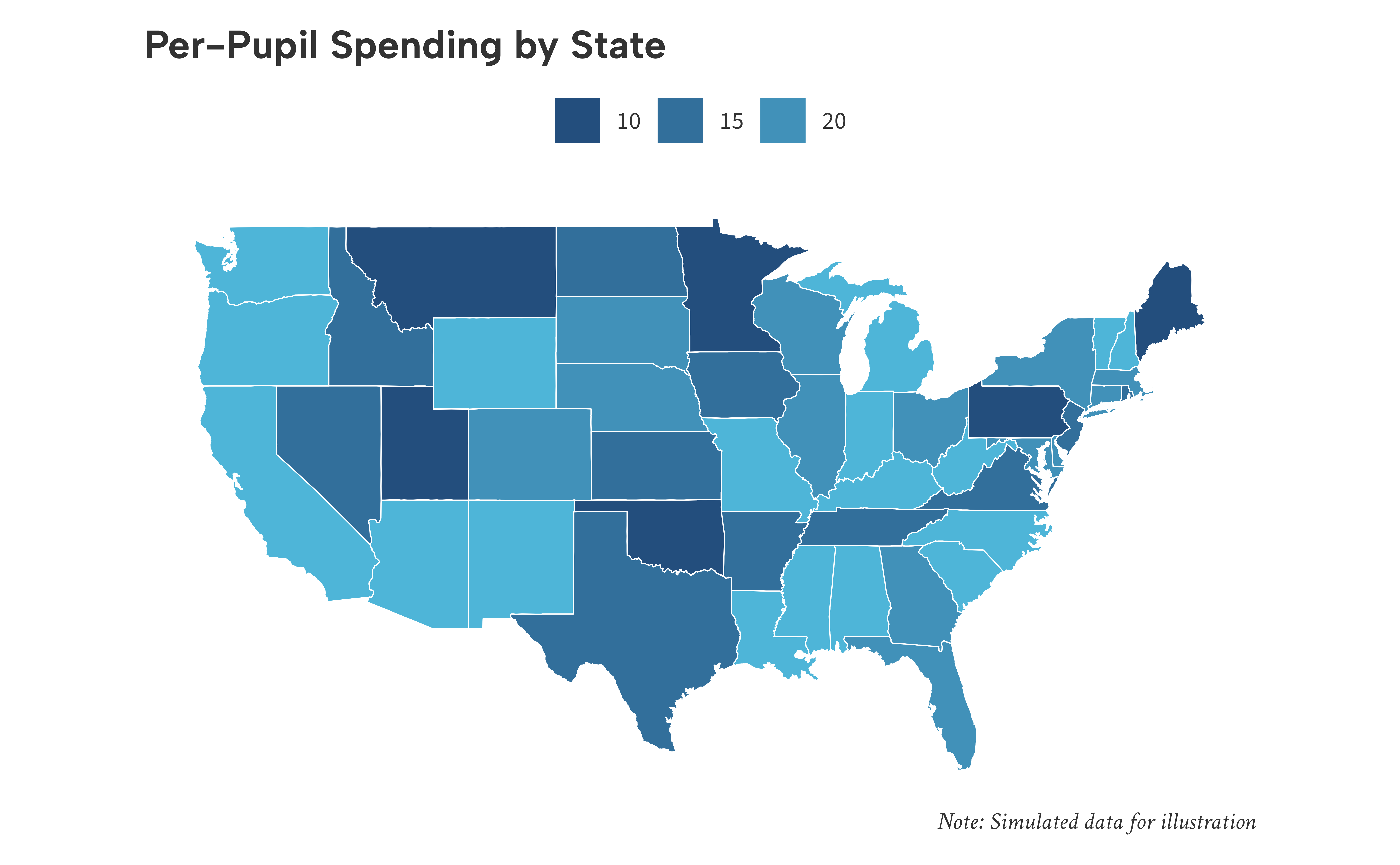
Common parameters
All three themes accept the same arguments: - base_size
— Base font size in points (default 11). Increase to 16 or higher for
presentations (see vignette("presentations")). -
base_family — Override the base font family. When
NULL (the default), the registered AIB body font is used. -
gridlines — Which major gridlines to draw:
"none", "x", "y", or
"xy".