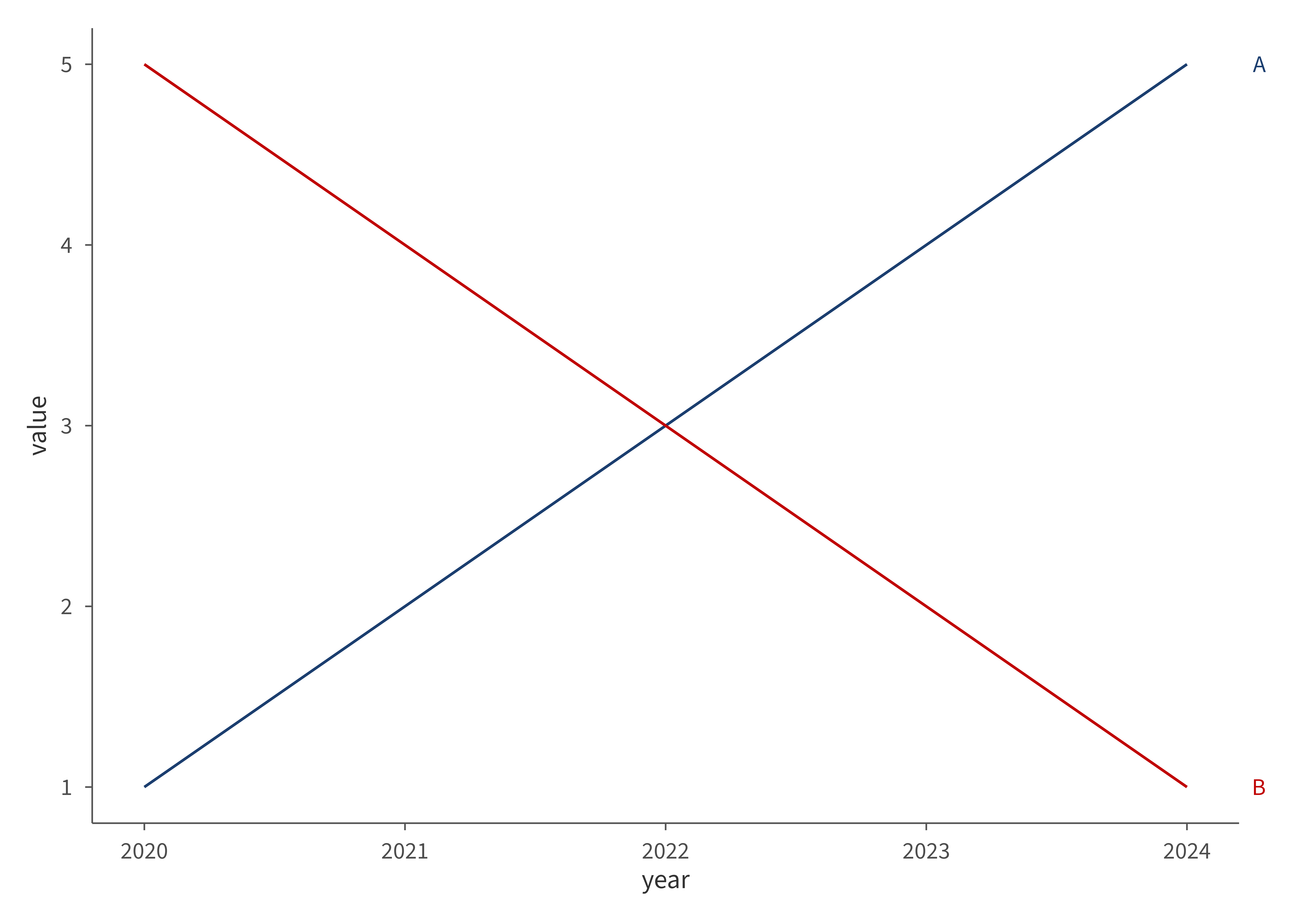
Replaces the legend with group labels placed on a secondary y-axis, aligned with each group's final value. Label colors match the group colors for easy identification.
Usage
aib_direct_label(
  data,
  x,
  y,
  group,
  colors = NULL,
  adjust = NULL,
  size = NULL,
  bold = FALSE,
  gap = NULL,
  ...
)
Arguments
- data
Data frame used in the plot.
- x, y, group
String column names for the x-axis, y-axis, and grouping variable.
- colors
Optional named character vector mapping group names to colors (e.g.,
c("Group A" = "#1B3E6F")). Defaults toaib_colors()in palette order, matchingscale_color_aib().- adjust
Optional named numeric vector of vertical adjustments to prevent label overlap (e.g.,
c("Group A" = 0.5)). Groups not listed receive no adjustment.- size
Font size for the labels in points. Defaults to
NULL, which uses the theme's default axis text size.- bold
Logical; if
TRUE, labels are rendered in bold. Defaults toFALSE.- gap
Space between the right edge of the plot and the labels, in points. Smaller values pull the labels closer to the data. Defaults to
NULL, which uses the ggplot2 default spacing.- ...
Additional arguments passed to
ggplot2::scale_y_continuous()(e.g.,limits,breaks,labels).
Value
A list of ggplot2 components that can be added to a plot
with +. Because this includes a partial ggplot2::theme()
modification, add it after your base theme (e.g., theme_aib())
in the + chain.
Details
Because this function sets ggplot2::scale_y_continuous() with a
secondary axis, it should be used instead of (not alongside) a
separate scale_y_continuous() call.